Marketing
Google Analytics for Ecommerce: A GA4 Guide for Your Store
A practical GA4 guide for your Saudi online store: how to set it up, the key ecommerce reports and metrics, enhanced ecommerce events, and how it complements ad pixels.

Google Analytics for ecommerce is a free tool that shows you who visits your store, where they came from, and what they did before they bought or left. Its current version, Google Analytics 4 (GA4), measures events instead of pages, so it follows the buyer's journey from the first click to a completed order and ties every sale back to the channel that drove it. In short, it turns guesswork about your store's performance into decisions backed by numbers. This guide explains what GA4 is, how to set it up on your store, the key ecommerce reports and metrics to watch, what enhanced ecommerce events are, how it complements ad pixels rather than competing with them, and what you owe your visitors on privacy.
What is Google Analytics 4?
Google Analytics 4 is the current version of Google's analytics platform, and it fully replaced the older Universal Analytics. The core difference is that it measures events, not just page views: every scroll, click, product view, add-to-cart, and purchase is a distinct event recorded with its own properties. This model fits an online store especially well, because it follows the buyer's journey across devices and sessions instead of counting pages. The standard version is free, covers most stores, and needs only a Google account and a single tag in your store.
How to set up Google Analytics on your store
Setup is simpler than it looks, and most steps happen once. Follow this order:
- Create a Google Analytics account, then create a property for your store inside it.
- Create a web data stream with your store's address, and you will get a measurement ID starting with G.
- Add the tag to your store: with Tamm you paste the measurement ID into your store settings without touching code, the step that platforms which block analytics make hard.
- Enable ecommerce measurement so purchase events arrive with their details, not just visits.
- Verify it works in the Realtime report before you rely on its numbers.
Link Google Analytics to your Google Ads account and to Search Console. The first ties your ad spend directly to sales, and the second reveals the search terms bringing visitors from Google's free results.
Key ecommerce reports and metrics
You do not need every report in the tool, just a handful of metrics that answer two questions: where sales come from and where buyers drop off. These matter most:
| Metric | What it tells you |
|---|---|
| Sessions | Volume of visits and how it moves over time |
| Conversion rate | Share of visits that turned into an order |
| Revenue | Total sales attributed to each channel |
| Average order value | How much a buyer spends per order |
| Top products | Which products people view and buy |
| Acquisition channels | Where visitors came from: search, ads, social, direct |
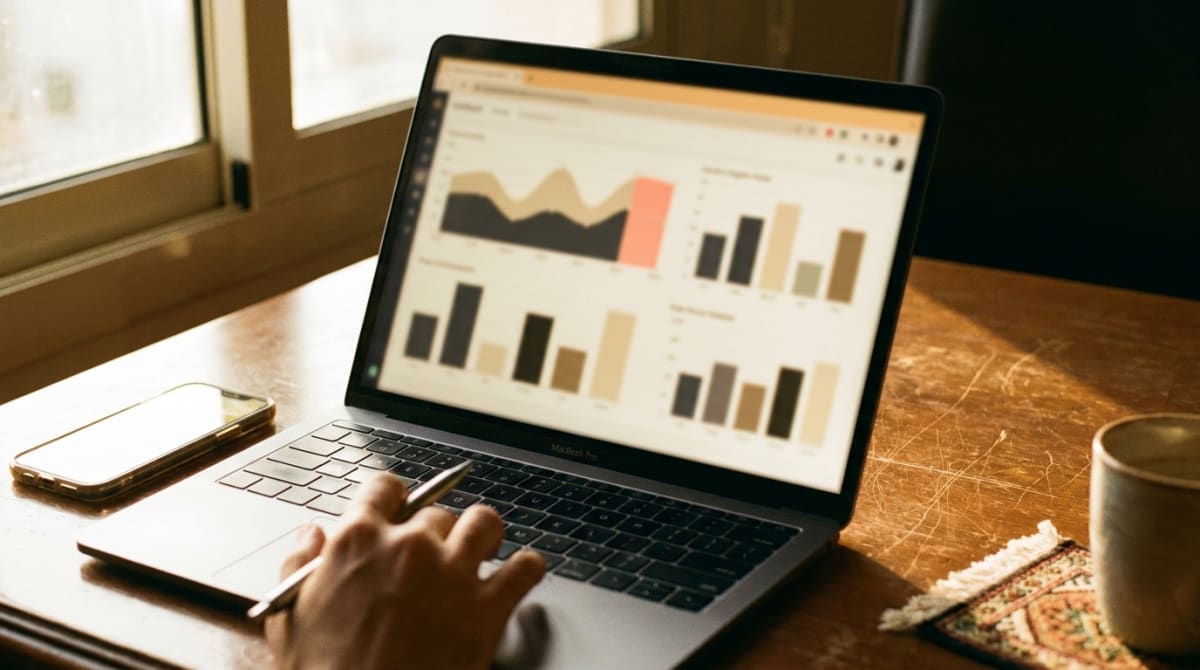
The Acquisition report splits visitors by source, so you learn which channel drives sales rather than just traffic. The Monetization report shows revenue, products, and purchases, while the purchase journey report reveals where visitors abandon before paying, a leak you address later through abandoned cart recovery.
Enhanced ecommerce events
The real value of the tool for an online store comes from enhanced ecommerce events. These are standard events that describe the purchase journey in detail: view_item when someone views a product, add_to_cart when they add it, begin_checkout when they start paying, and purchase when they complete an order, with its value and items. When these events arrive with their properties (product name, price, quantity), the product, journey, and revenue reports open fully. Most store platforms send these events automatically once you enable ecommerce measurement, so you rarely need manual coding.
Google Analytics vs ad pixels
Many people confuse Google Analytics with an ad pixel, and the distinction matters. Google Analytics is an analysis tool: you use it to understand visitor behavior, their sources, and where they drop off. An ad pixel (Meta, TikTok, Snap) is a paid-campaign optimization tool: it measures a campaign's conversions and builds its retargeting audiences. The two complement each other: analytics gives you the big picture across every channel, and the pixel serves one specific ad platform. To understand pixels in depth, read tracking pixels and how to use them, and to improve how many visitors actually buy, read conversion rate optimization.
Privacy and visitor consent
Measuring visitors means collecting data about them, and it is your responsibility to respect their privacy. Add a clear privacy notice that states you use analytics tools, what data you collect and why, and obtain visitor consent where required before tracking runs. Google Analytics offers settings to control data retention and to mask IP addresses, so configure them in line with applicable regulations. This is not a formality. It is an obligation that protects your customers' trust and your store's reputation.
The bottom line
Google Analytics for ecommerce is a free tool that turns your store's visitors into numbers you can read and act on. Its current version, GA4, measures events, so it follows the full purchase journey and ties every sale to its channel. Install it with a single tag, enable enhanced ecommerce events, and track the handful of metrics that matter: sessions, conversion rate, revenue, products, and acquisition channels. Run it alongside your ad pixels, and do not forget your visitors' privacy. To widen the channels it measures, read how to market your store in Saudi Arabia and improving your search visibility. With Tamm you connect all of it free from day one.
Frequently asked questions
- What is Google Analytics 4 (GA4)?
- Google Analytics 4 is the current version of Google's free analytics tool. It measures your store visitors with an event-based model, showing where visitors come from, what they do, and which channels drive real sales.
- Is Google Analytics free?
- Yes, the standard version of Google Analytics is free and enough for most small and mid-sized stores. You only need a Google account and a single tag in your store to start collecting data.
- What is the difference between Google Analytics and an ad tracking pixel?
- Google Analytics is an analysis tool for understanding visitor behavior, sources, and store performance. An ad pixel is an optimization tool for a paid campaign that measures its conversions and builds its audiences. The two complement each other and neither replaces the other.
- Which metrics matter most for my store?
- Focus on sessions, conversion rate, revenue, average order value, top products, and acquisition channels. These answer two questions: where sales come from and where buyers drop off.
- Does Tamm support Google Analytics?
- Yes. With Tamm you connect Google Analytics and tracking pixels free from day one, measuring your visitors and conversions without a paid upgrade, a capability many free plans block.